iPad camera
Use the built-in camera for quick setups, roaming booths and small venues.
Software / iPad
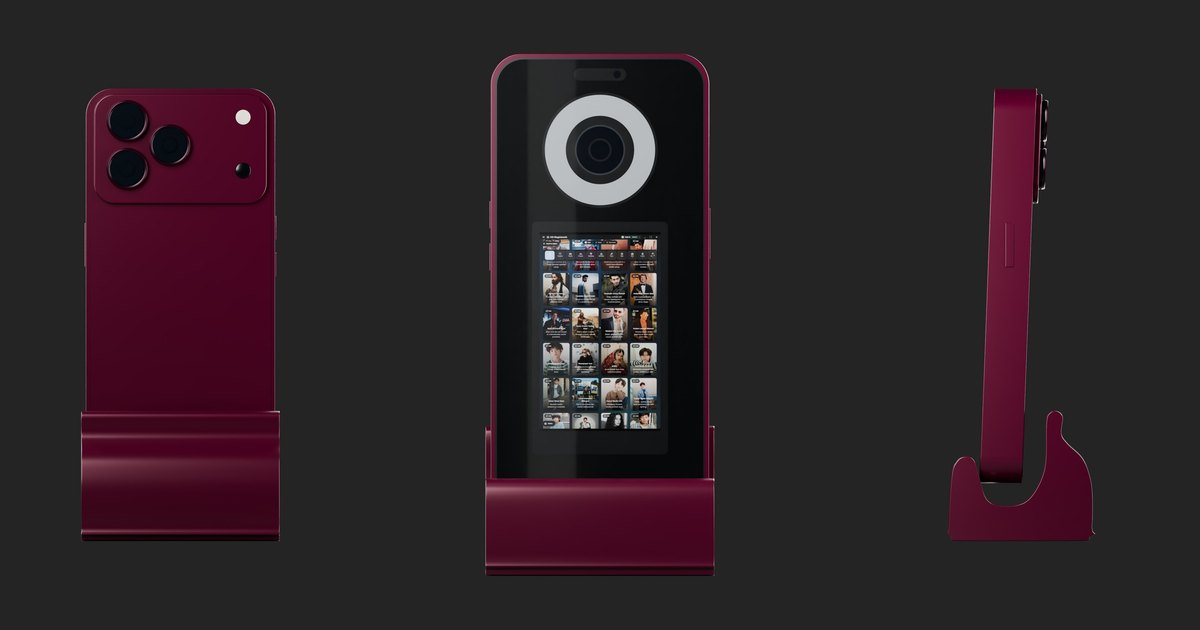
DG Photobooth runs on iPad as well as Windows, Web and Android. Put it in an iPad stand or enclosure, pick your AI styles, and guests get their AI portrait on their phone in under 15 seconds.
Why it works
Use the built-in camera for quick setups, roaming booths and small venues.
Face swap, virtual try-on and prompt styles, the same as on Windows.
Keep capturing when the Wi-Fi drops; AI jobs process when you reconnect.
One account covers Windows, iPad, Web and Android, so you can add a DSLR rig without switching software.
Details
An iPad booth is light, quick to set up and easy to move around a venue. It suits roaming booths, small venues, corporate lobbies and operators starting out with equipment they already own.
With DG Photobooth, the iPad gets the same AI features as the Windows version: face swap, virtual try-on and prompt styles, delivered to guests by QR code, SMS, email or WhatsApp in under 15 seconds.
Read next: AI face swap · Virtual try-on
Details
Read next: Event capture planning checklist
Details
Start the free trial with 50 test credits, pick three to five AI styles, and add a frame with the event name or logo. Run a few test photos under the event lighting, then leave the booth running self-service so guests can use it without help.
On the day, keep a hotspot as backup. If the venue Wi-Fi drops, capture continues and AI jobs are delivered when the connection returns.
Read next: Offline AI booth mode · AI photo booth ideas
Details
Many operators start on iPad and add a Windows booth with a DSLR for weddings and print-heavy events. Because one DG Photobooth account covers Windows, iPad, Web and Android, the same styles and frames work on every device. DG Unlimited covers 1 device; DG Unlimited (3 devices) covers 3.
Read next: DSLR camera support · Pricing
Details
If you use Snappic today, you can run DG Photobooth on the same iPads and add Windows or Android devices later. The comparison page shows the differences in platforms, AI pricing and offline behaviour.
Read next: Snappic alternative · Best AI photo booth software 2026
Questions
Yes. It runs on iPad, Windows 10 and 11, the web and Android.
The same plans apply on every platform: $1 per day, DG Unlimited at $30 a month (1 device) or DG Unlimited (3 devices) at $90 a month (3 devices). AI images are $0.45 each.
DSLR and mirrorless tethering is supported on Windows. On iPad, use the built-in camera.
Capture continues without internet, and AI jobs are queued and delivered when the connection returns.
By QR code, SMS, email or WhatsApp, and as a print if you connect a printer.
Yes: 50 test credits, no credit card.
Summary
DG Photobooth is AI photo booth software for Windows, iPad, Web and Android, plus turnkey AI photo booth kiosks. Guests get an AI portrait on their phone in under 15 seconds. It keeps capturing when venue Wi-Fi drops and queues AI jobs until the connection returns. Software starts at $30 a month or $1 for one day, AI images are $0.45 each, and kiosks cost $2,850 to $4,400.
Keep reading
Free trial · 50 test credits
50 free test credits, no credit card. Run real AI generations and see the results before your next event.