Canon, Nikon, Sony
DSLR and mirrorless bodies tethered over USB with live view and countdown.
Feature / DSLR and mirrorless cameras
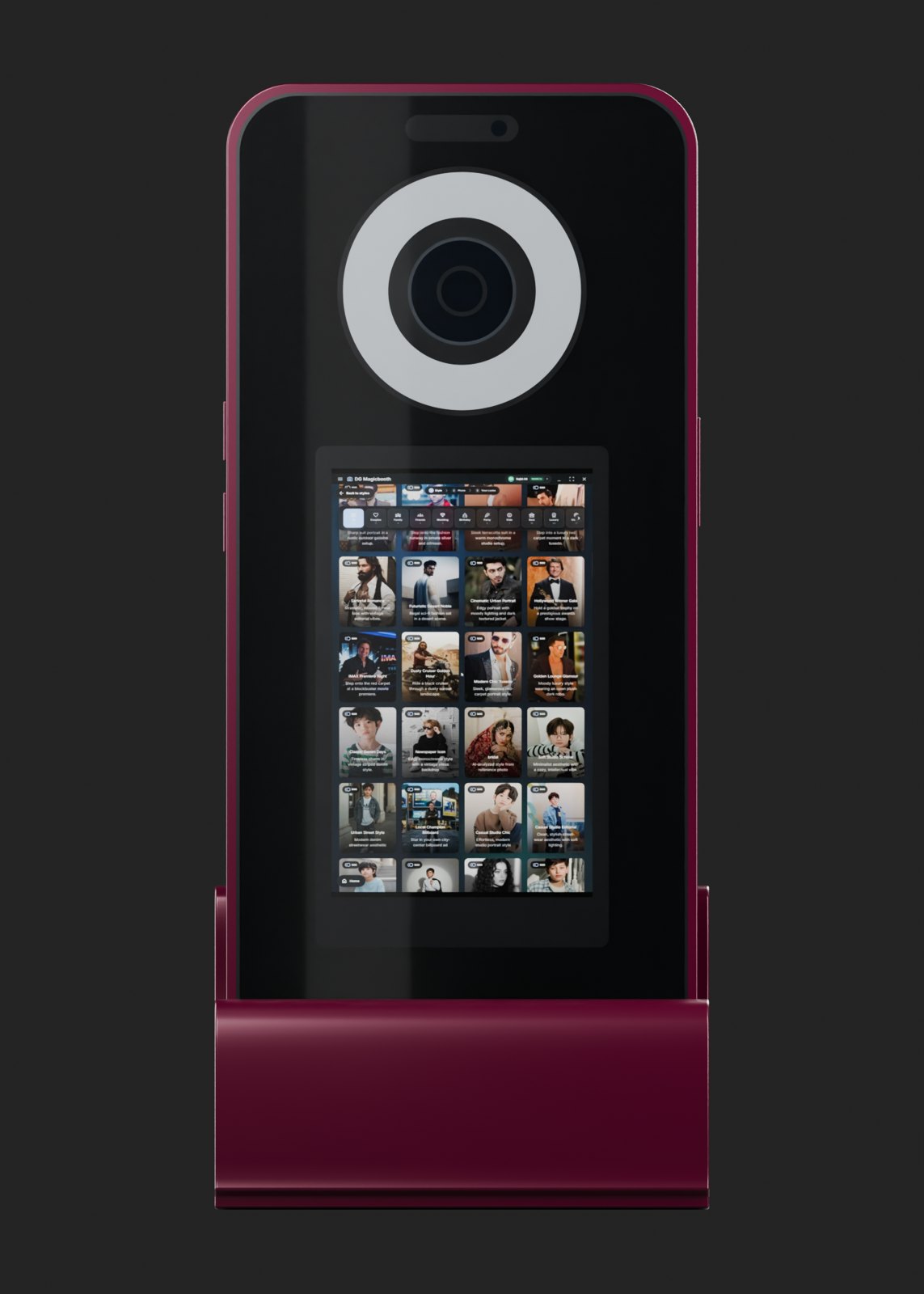
Most AI booth apps are built around the iPad camera. DG Photobooth tethers professional Canon, Nikon and Sony bodies over USB on Windows, so the AI starts from a sharp, well-lit photo and the output holds up at 4K and in print.
Why it works
DSLR and mirrorless bodies tethered over USB with live view and countdown.
Use a webcam or the iPad camera for lighter setups. Same software, same workflow.
A large sensor and proper lighting give the AI more detail, which shows in face swaps and prints.
Output up to 4K for prints, backdrops and social.
Details
AI styles and face swaps start from the guest's photo. The more detail and the cleaner the light in that photo, the better the AI can keep the guest's features and the sharper the final image looks, especially when it is printed.
A DSLR or mirrorless camera with a proper lens captures far more detail than a basic webcam, and handles mixed venue lighting better. That is why many operators who sell prints or work at weddings use a tethered camera.
Read next: AI face swap
Details
Swipe sideways to see the whole table.
| Setup | Runs on | Best for |
|---|---|---|
| DSLR or mirrorless over USB | Windows 10/11 PC, mini-PC or Surface Pro | Weddings, brand activations, print-heavy events |
| High-end webcam | Windows PC or DG kiosk | Venues, malls, permanent installs |
| iPad camera | iPad | Light, fast setups and roaming booths |
Read next: AI photo booth app for iPad · Turnkey AI photo booth kiosks
Details
Read next: Event capture planning checklist
Details
If you already run a Windows DSLR booth, you can keep the camera, the PC and the printer. DG Photobooth adds AI at $0.45 per image on every plan and keeps AI jobs queued when the internet drops. The comparison pages show how it differs from dslrBooth (LumaBooth) and Sparkbooth.
Read next: dslrBooth alternative · Sparkbooth alternative
Questions
Canon, Nikon and Sony DSLR and mirrorless bodies over USB on Windows, plus UVC webcams and the iPad camera.
No, but it helps. A larger sensor and good lighting give the AI more detail. Many venues run a webcam in a kiosk and get good results under a ring light.
Yes. Turnkey kiosks come with a webcam or a Canon, Nikon or Sony body, from $2,850 to $4,400 depending on camera and screen.
DSLR and mirrorless tethering is supported on Windows. On iPad, use the built-in camera.
Windows 10 and Windows 11, on a PC, mini-PC or Surface Pro.
Yes. The free trial gives 50 test credits with no credit card, so you can test AI styles with your own camera and lighting.
Summary
DG Photobooth is AI photo booth software for Windows, iPad, Web and Android, plus turnkey AI photo booth kiosks. Guests get an AI portrait on their phone in under 15 seconds. It keeps capturing when venue Wi-Fi drops and queues AI jobs until the connection returns. Software starts at $30 a month or $1 for one day, AI images are $0.45 each, and kiosks cost $2,850 to $4,400.
Keep reading
Free trial · 50 test credits
50 free test credits, no credit card. Run real AI generations and see the results before your next event.